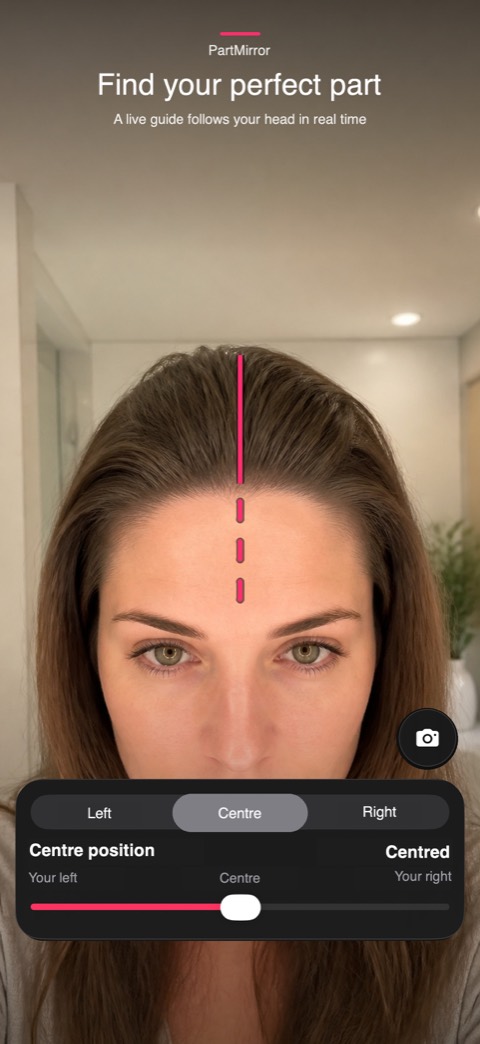
01
Find your perfect part
A live guide follows your head in real time
 PartMirror
A clearer way to find your line
Preview centre and side parts with a live guide. Fine-tune the position and shape, then save your favourite looks privately on your iPhone.
PartMirror · iPhone
Preview centre and side parts with a live guide. Fine-tune the position and shape, then save your favourite looks privately on your iPhone.
A live guide follows your head in real time
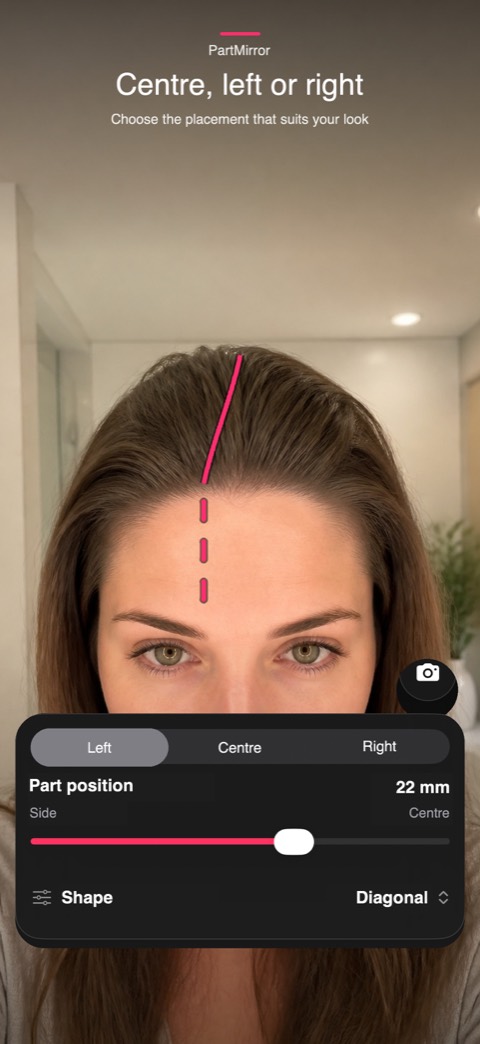
Choose the placement that suits your look
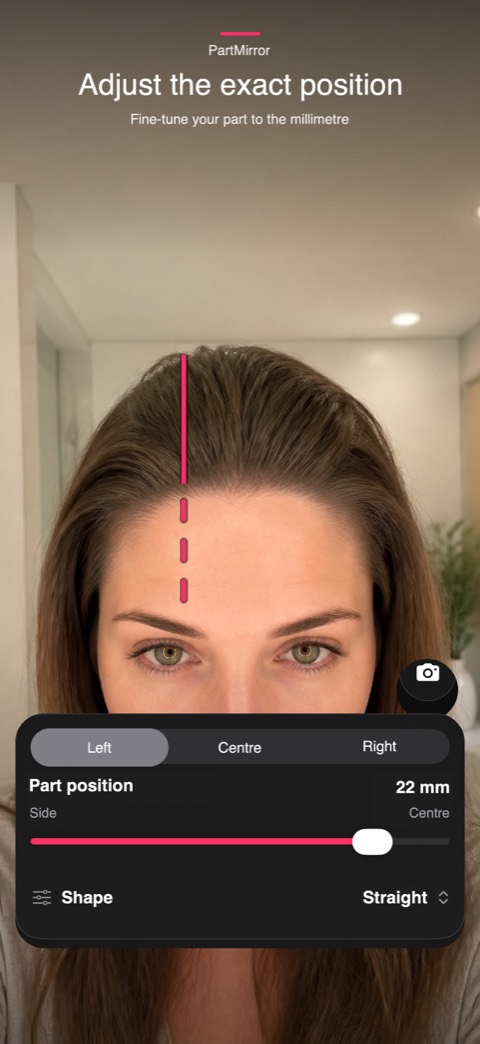
Fine-tune your part to the millimetre
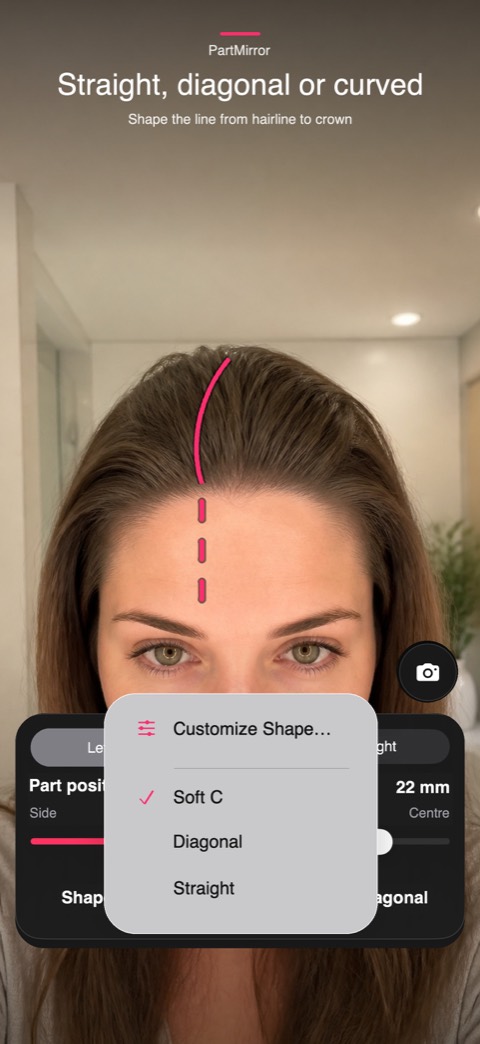
Shape the line from hairline to crown
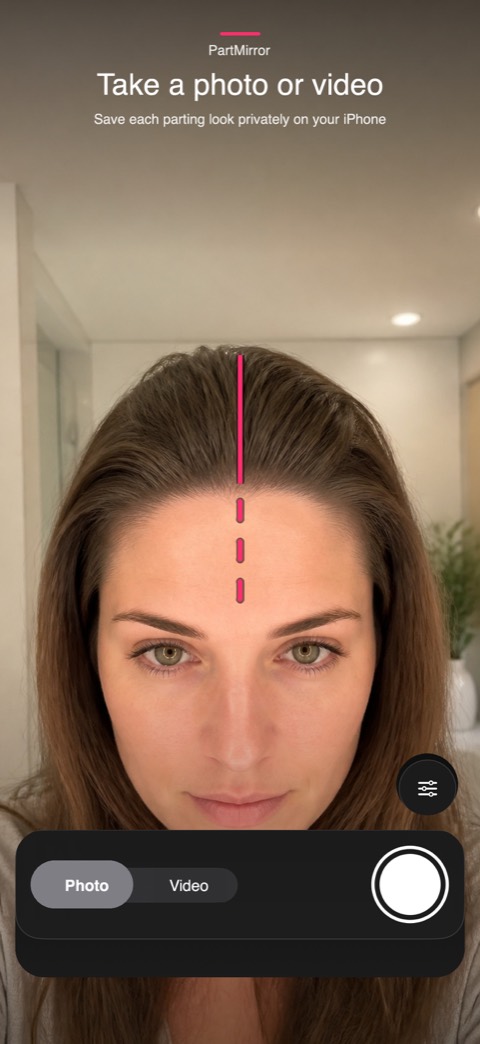
Save each parting look privately on your iPhone
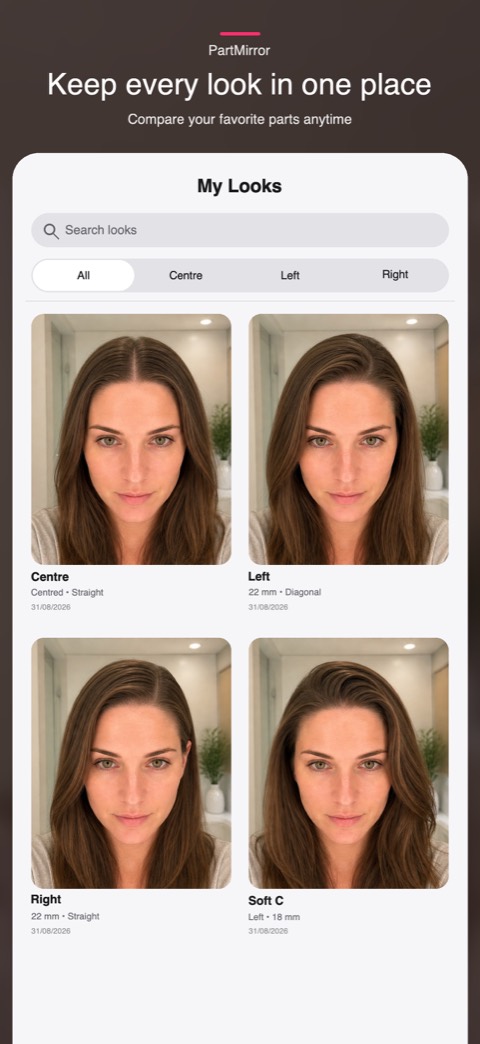
Compare your favorite parts anytime
Choose the placement that suits your look
Shape the line from hairline to crown
Save each parting look privately on your iPhone
In iOS version 1.1.1 and later, live guides, photo and video capture, and My Looks are free. A locally bundled banner promotes Nonlate. An optional annual subscription removes promotional banners. The App Store shows your localized price and any eligible trial before purchase. Older versions may require a subscription for camera access; update to use the free camera.
Camera processing and head tracking happen on your iPhone. No account or cloud upload is required.